02. Case Study 2
TADH Hospital Project
Project overview
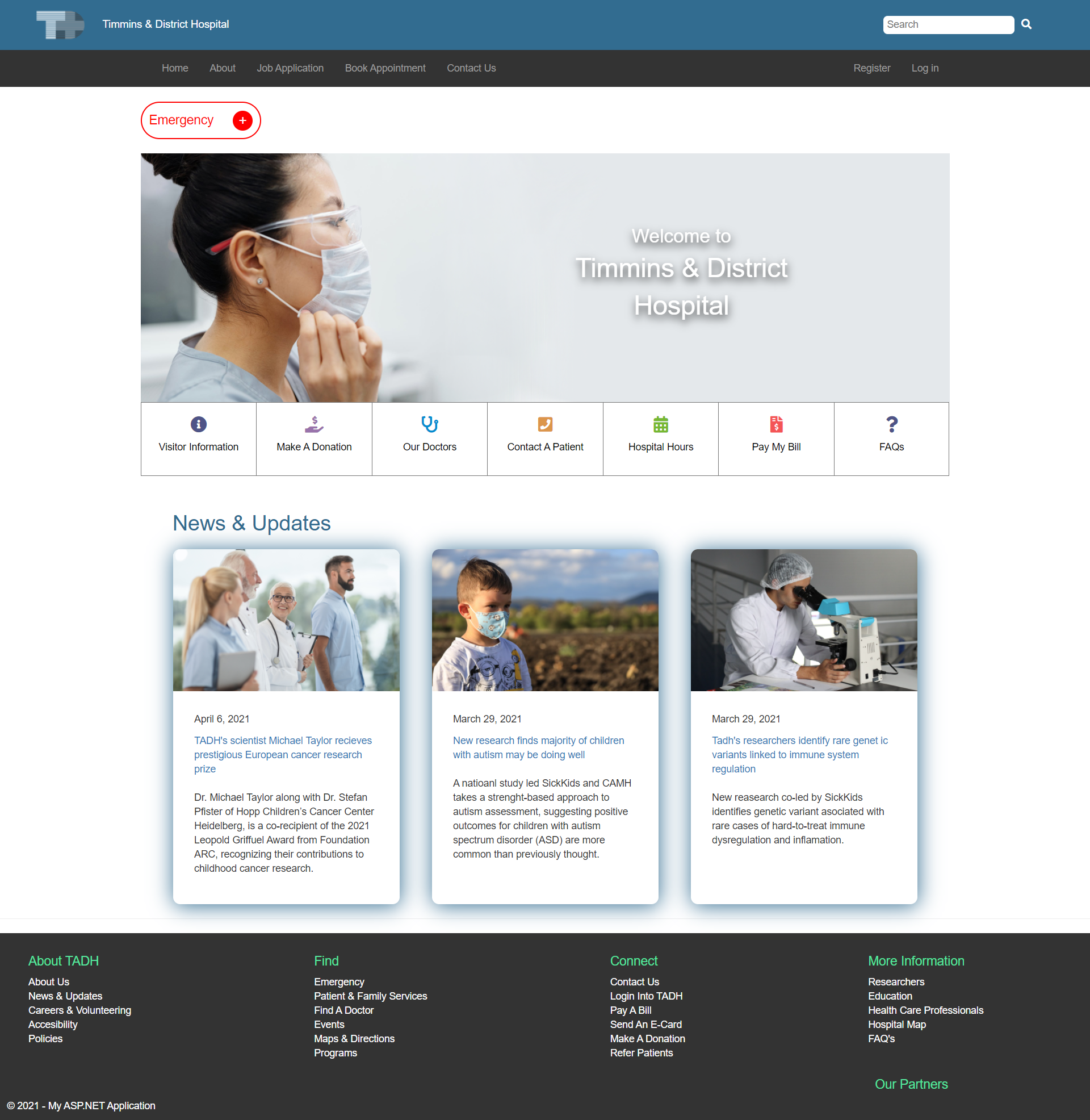
A team built dynamic website based on the Timmins & District Hospital website. This project is a re-design of the current hospital site that includes CRUD functionalities for each feature. I focused on constructing the Donations and FAQs feauture, using the code first approach. As well as designed the main page (Header, Footer, and Index) to match the wireframes. The database is embedded using Models.
Tools Used
- HTML
- CSS
- Bootstrap
- JavaScript
- MySQL
- .NET
- C#
Collaborators
Team Lead:
- Adam Galek
Document Manager:
- Nisarg Chauhan
Assistant Document Manager/Lead Designer:
- Alexis Arevalo
Assistant Team lead:
- Journey Gault
- Shimeng Pan
- Steven Le
- Franck-Yves Cheuzem
My Tasks
Homepage
- Re-devloped the layout of the homepage to give it a more flowing and modern look.
- Used the Visual hierarchy to help guide me with designing the homepage.
+ Styling added.
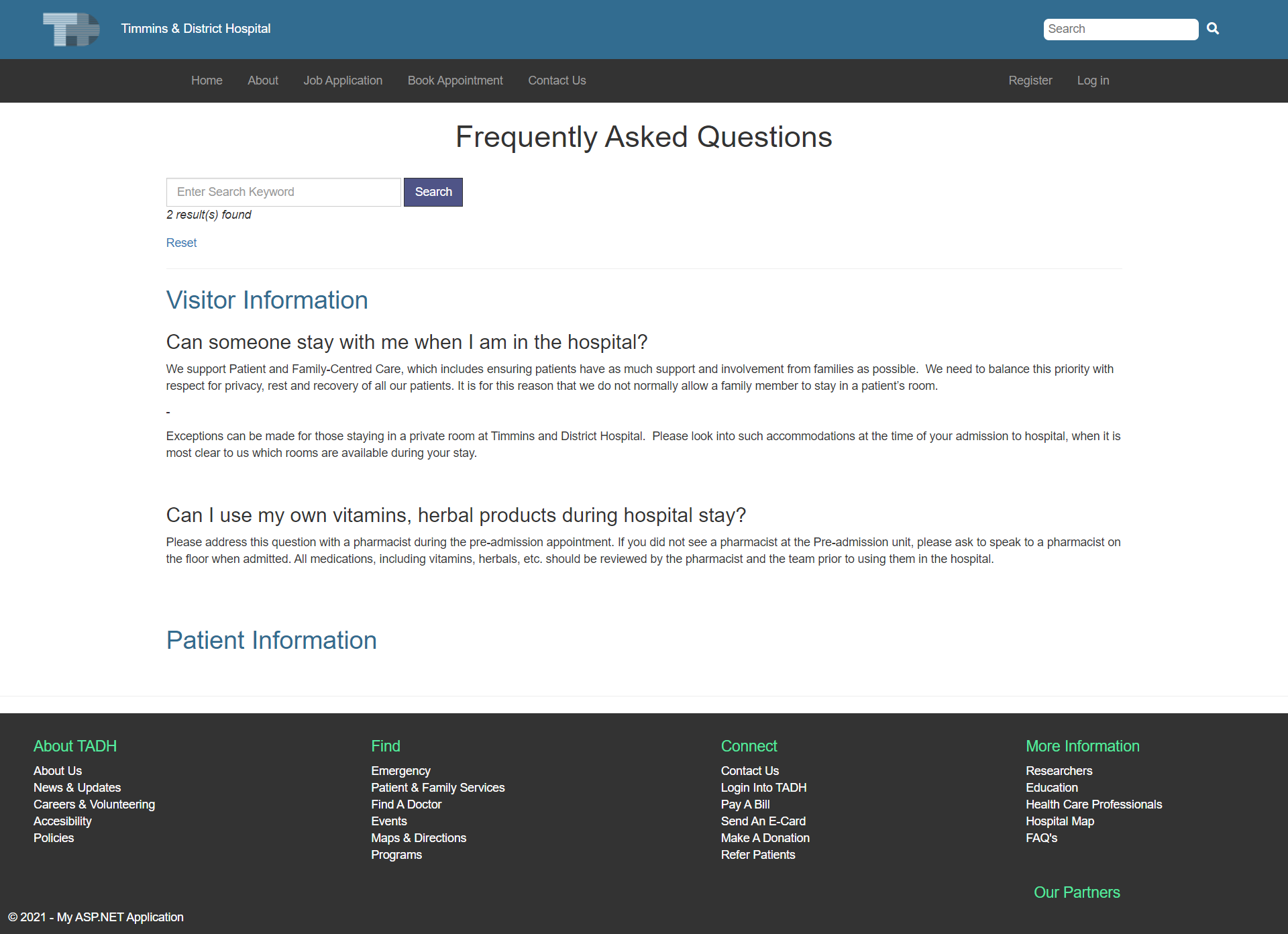
FAQ & Category Features
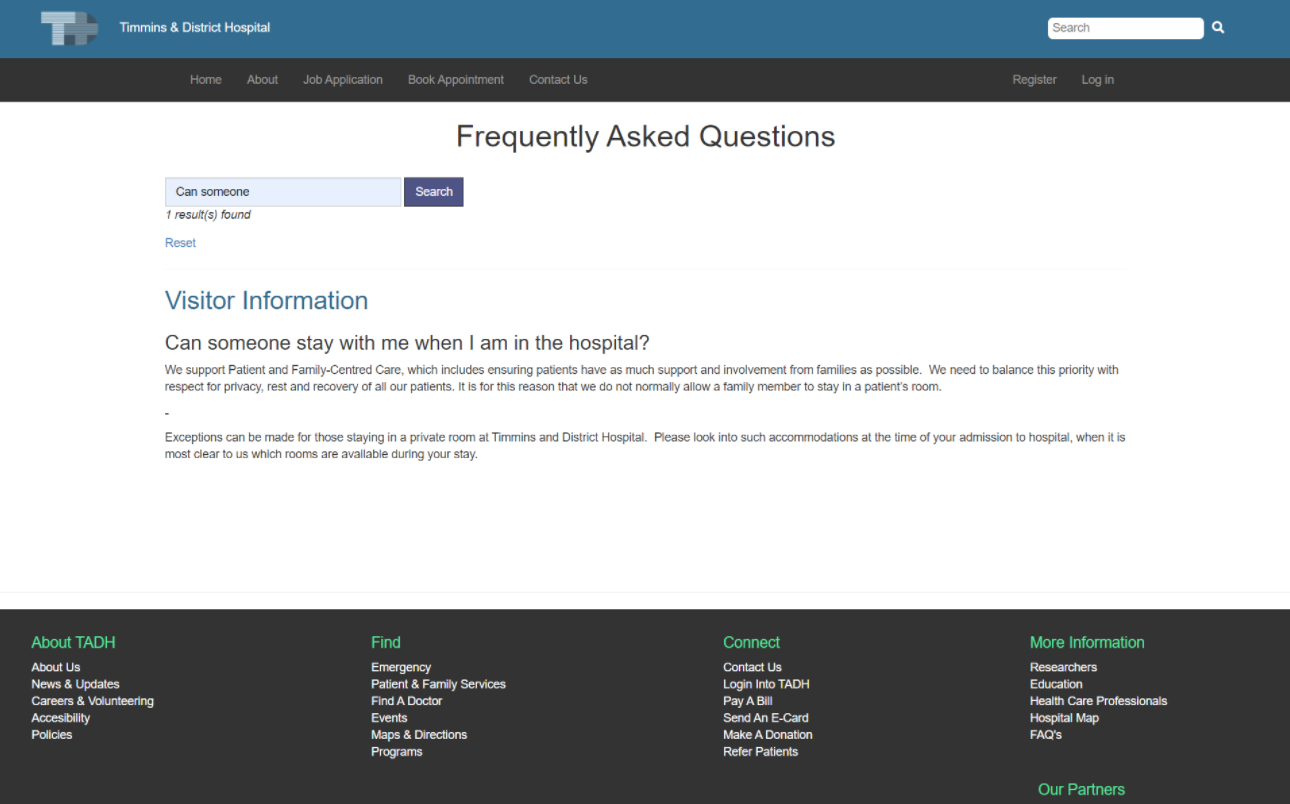
- Users Can see all FAQ and Category data that is retrieved from the database. - User will not be able to Create, Update or Delete. They can only view the information.
- Users Can see all FAQ and Category data that is retrieved from the database. - User will not be able to Create, Update or Delete. They can only view the information.
- Users Are able to search for data that matches the input by FAQ Question or FAQ Answer.
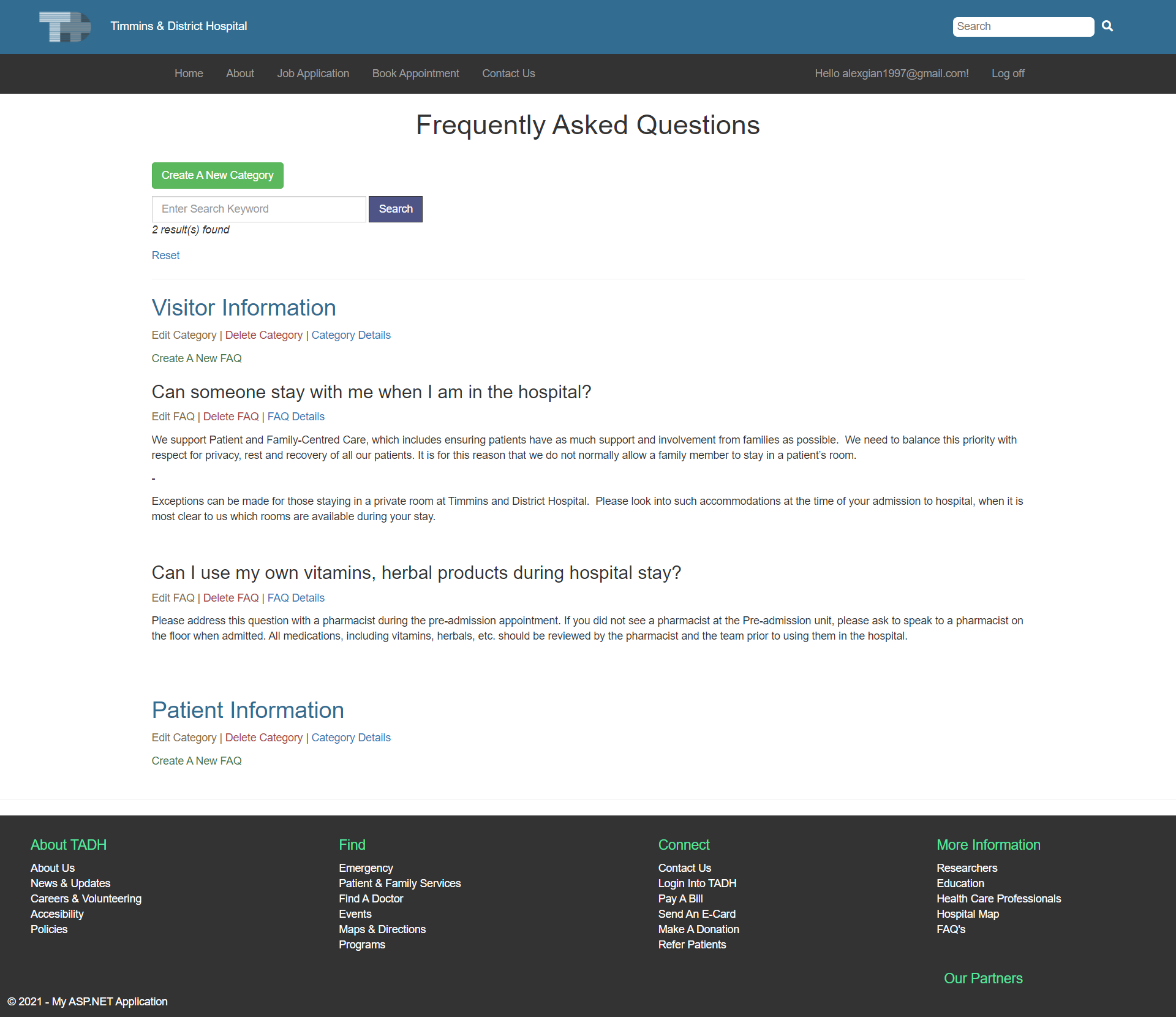
- Admin Can see all FAQ and Category data that is retrieved from the database.
- Admins Are able to search for data that matches the input by FAQ Question or FAQ Answer.
- Admin Can Add new data into the database for FAQ and Category.
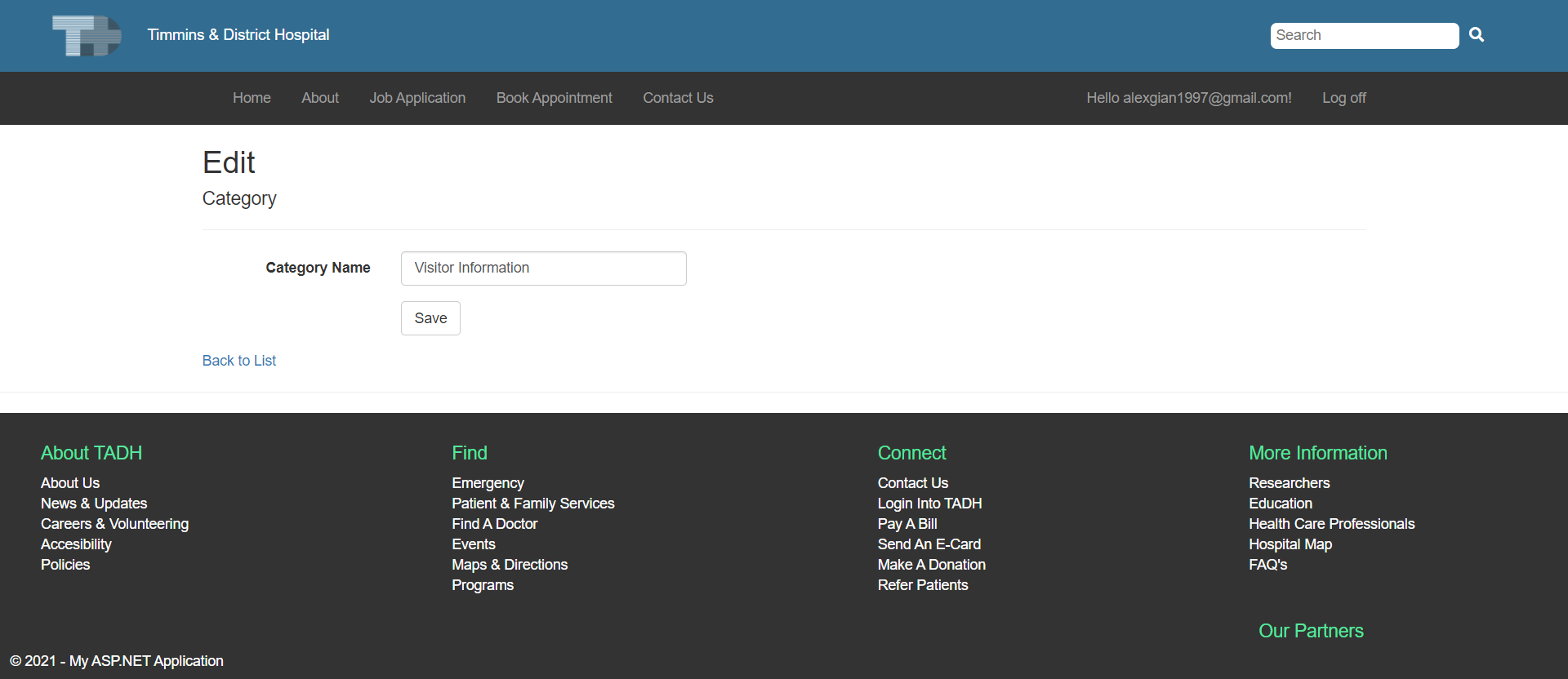
- Admin Can Edit new data into the database.
- When Adding or Editing FAQ data, the Admin has to select a given Category that is retrieved from the database.
- All FAQs are associated with a certain Category - Seen through a foreign key assigned in the FAQ table that links to a specific Category Id.
- Admin Can View the details about the specific data.
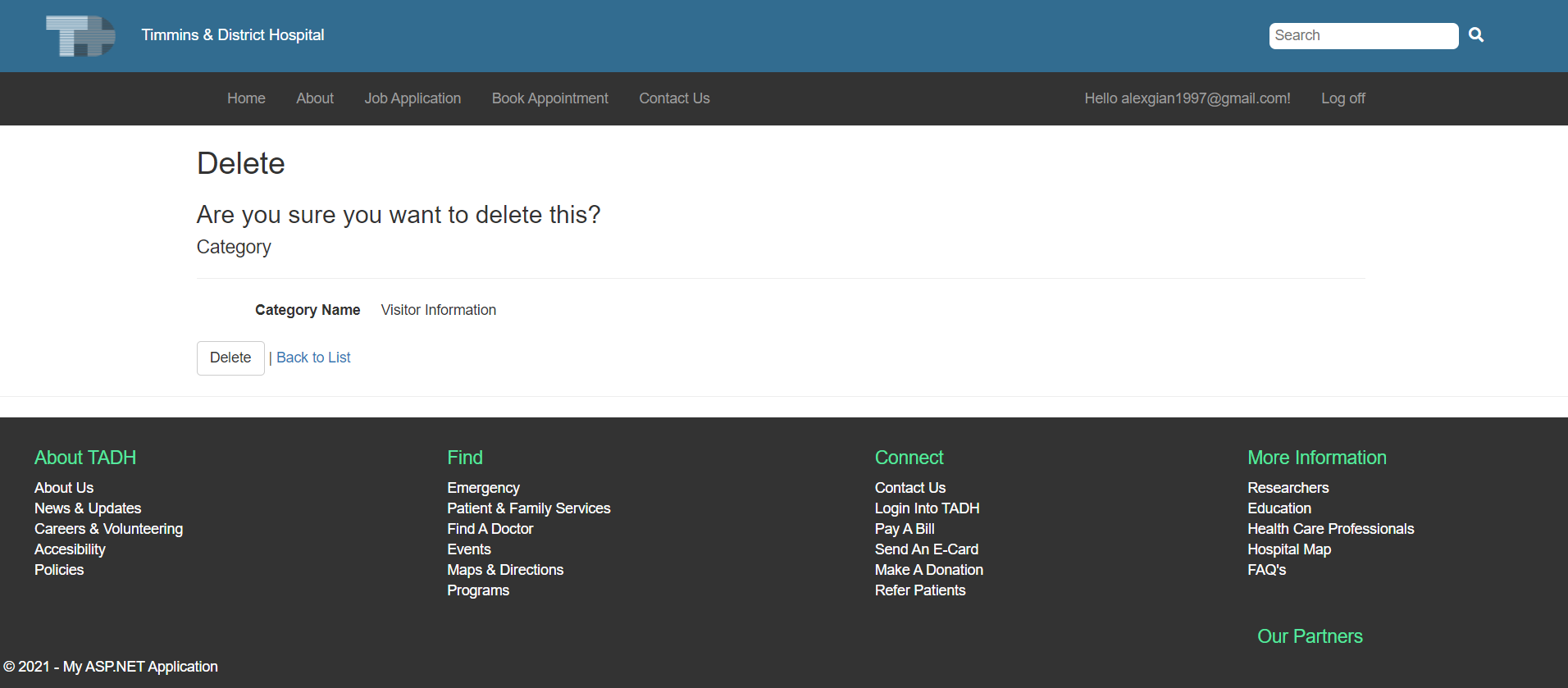
- Admin Can Delete data from the database.
- Validation is managed for all inputs with JS.
+ Styling added.
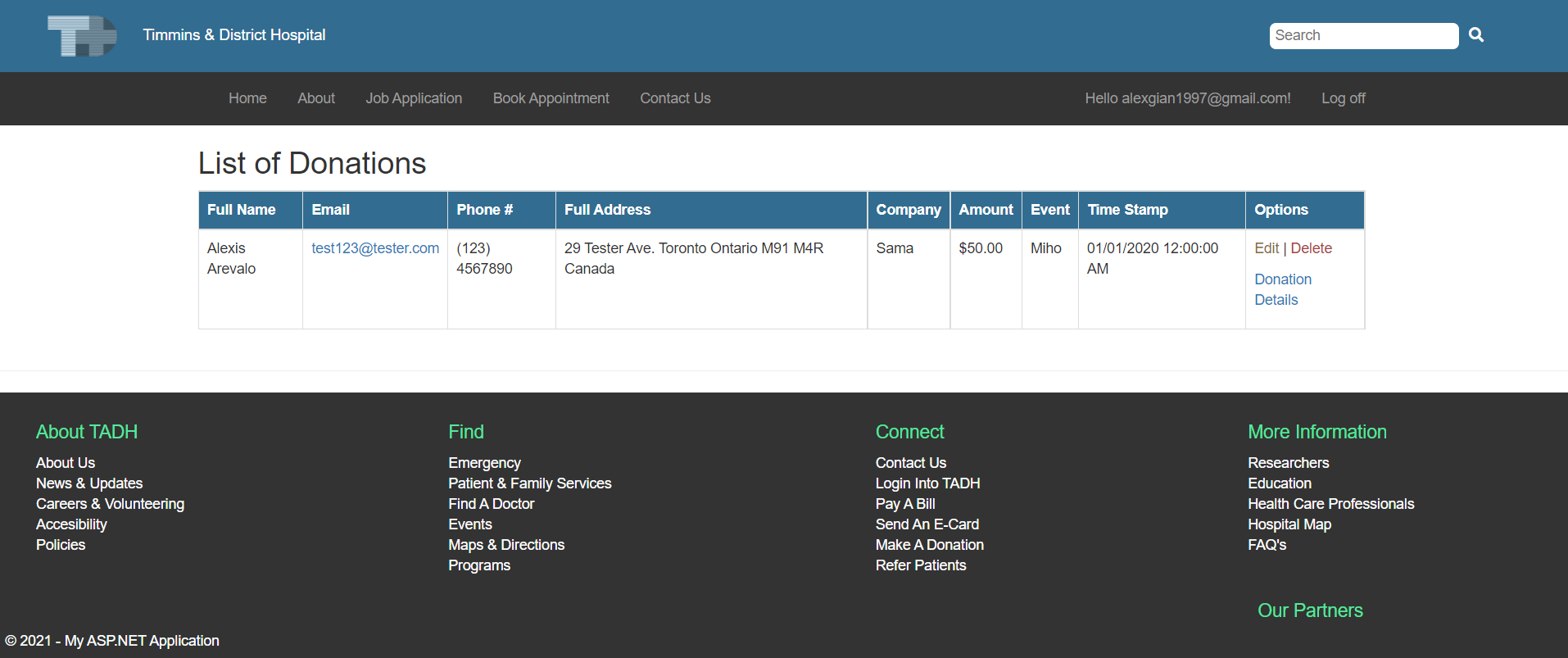
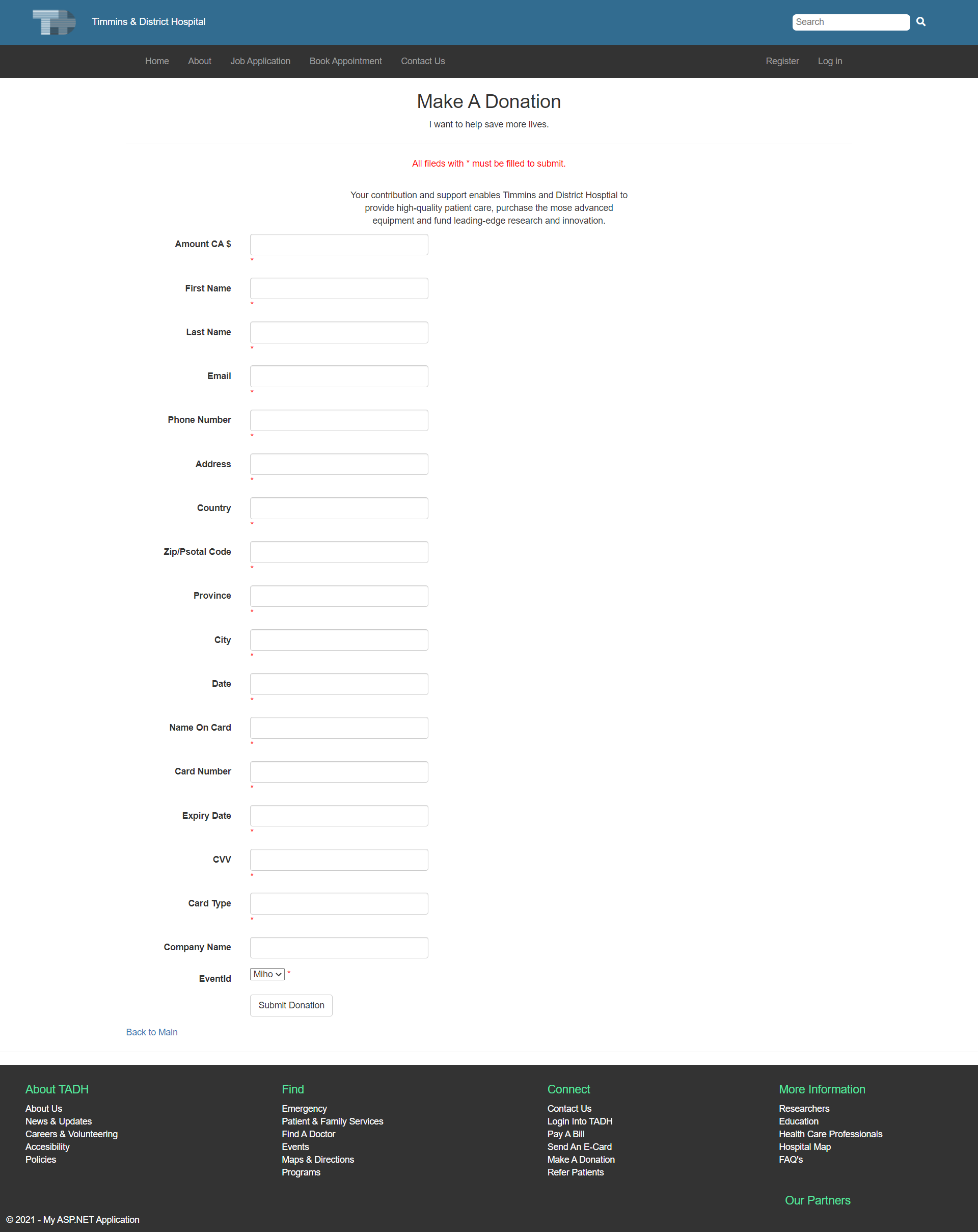
Donation Feature
- Users Can Add new data into the database for Donation and Event.
- Donation date is self inputed with the recent date upon submiting.
- Users Can see all the events they made a donation to.
- Admin Can see all the data that is retrieved from the database (except users card information).
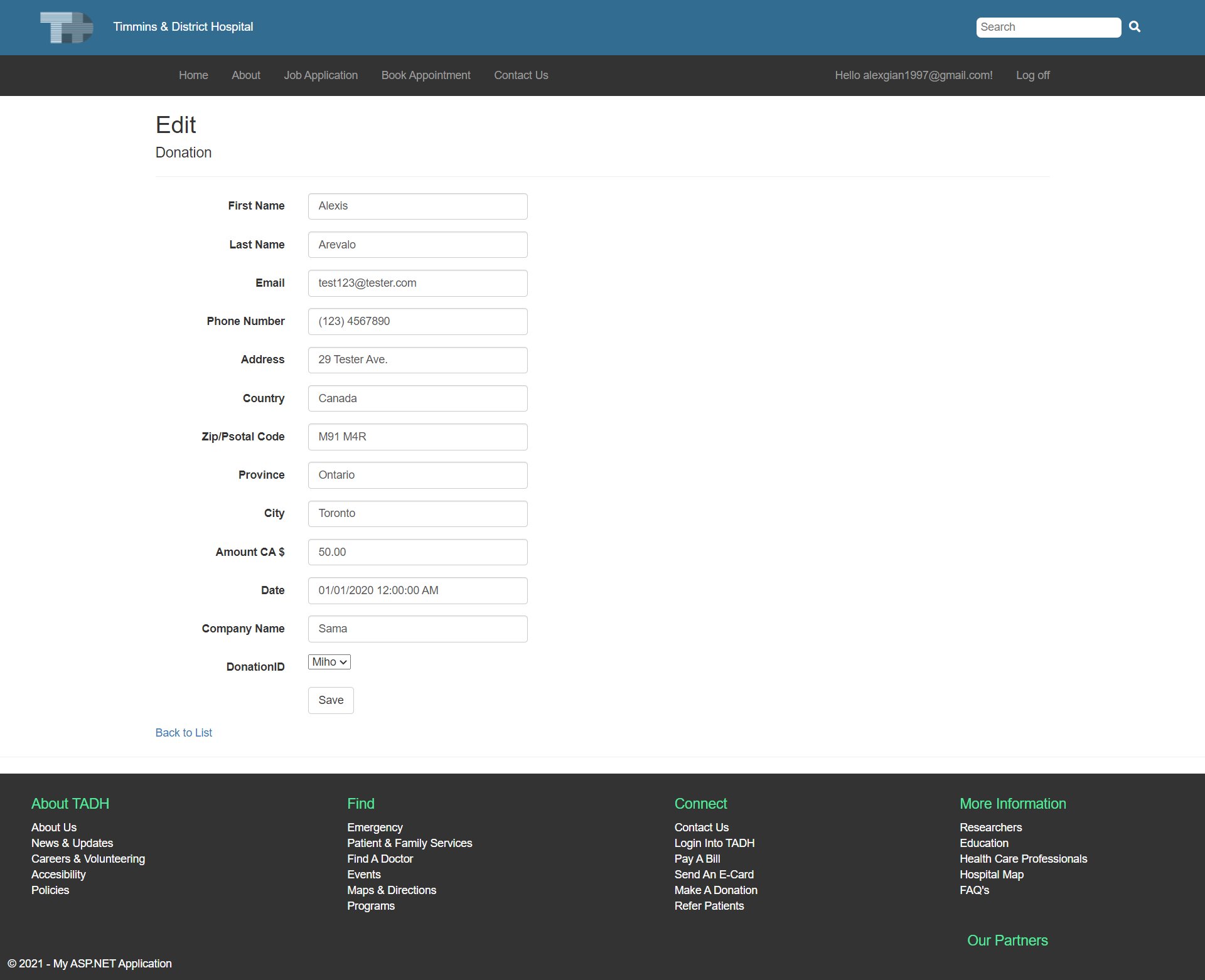
- Admin Can Edit new data into the database.
- When Adding or Editing Donation data, the Admin has the option to select a given Event that is retrieved from the database. - This is only done when a user confirms they've made a mistake on one of the inputs.
- All Donations are associated with a certain Event - Seen through a foreign key assigned in the Donation table that links to a specific Event Id.
- Admin Can Delete data from the database.
- Admin Can View the details about the specific data.
- Validation is managed for all inputs with JS.
+ Styling added.
Page Wireframe
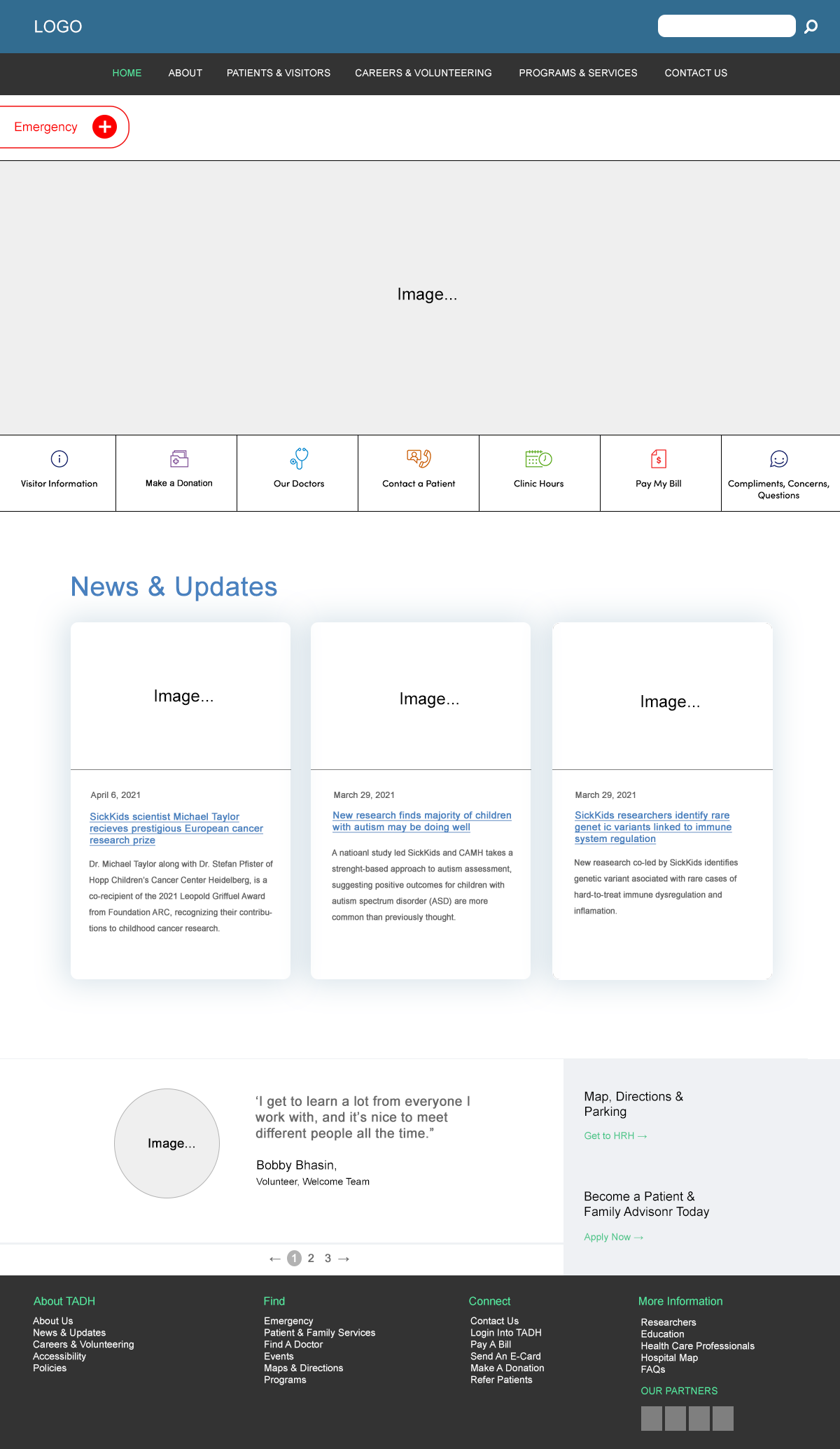
Final product
Homepage
Client FAQs Page
Client Donations Page
Admin (CRUD) FAQs Page
Client (CRUD) Donations Page
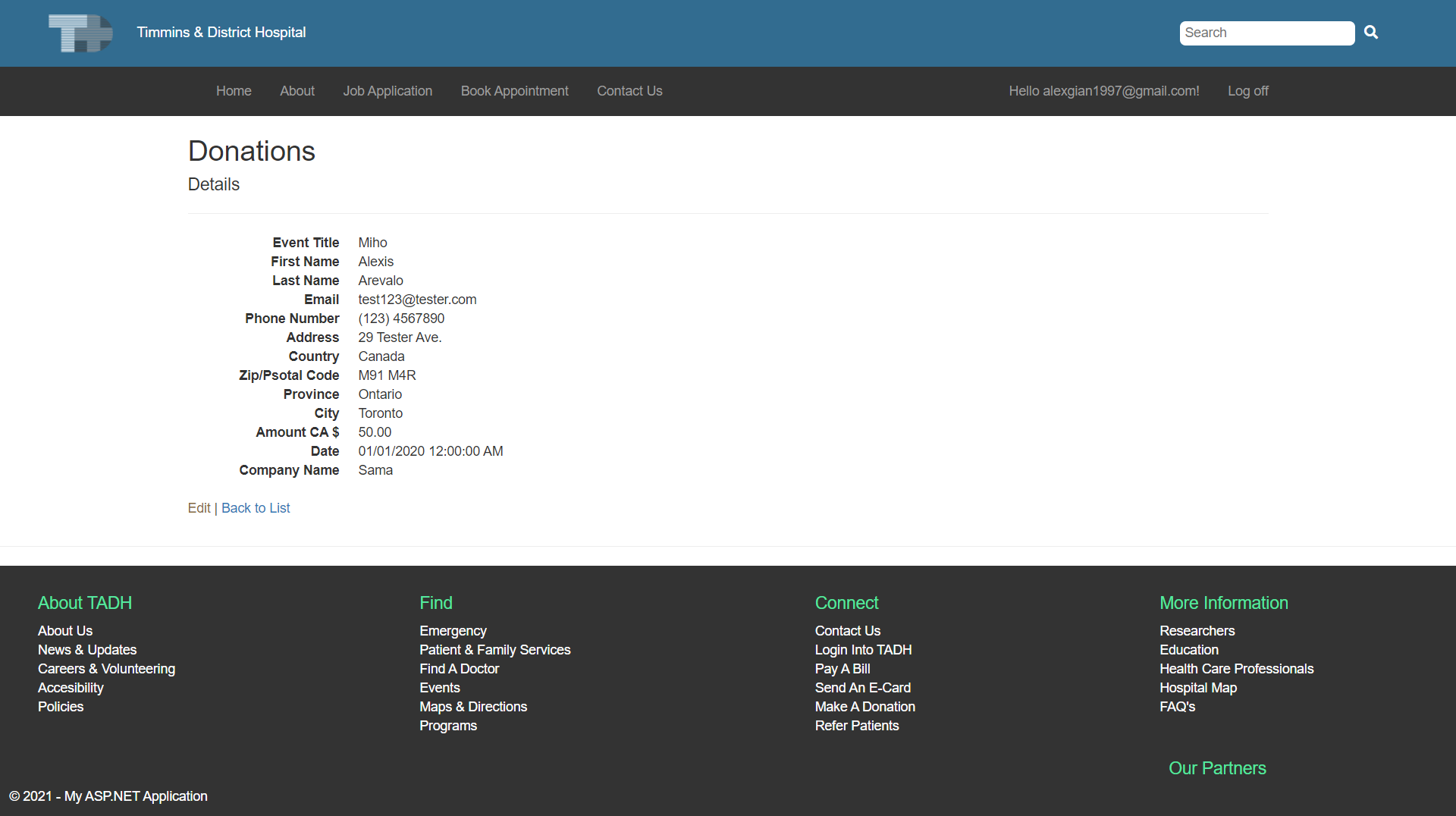
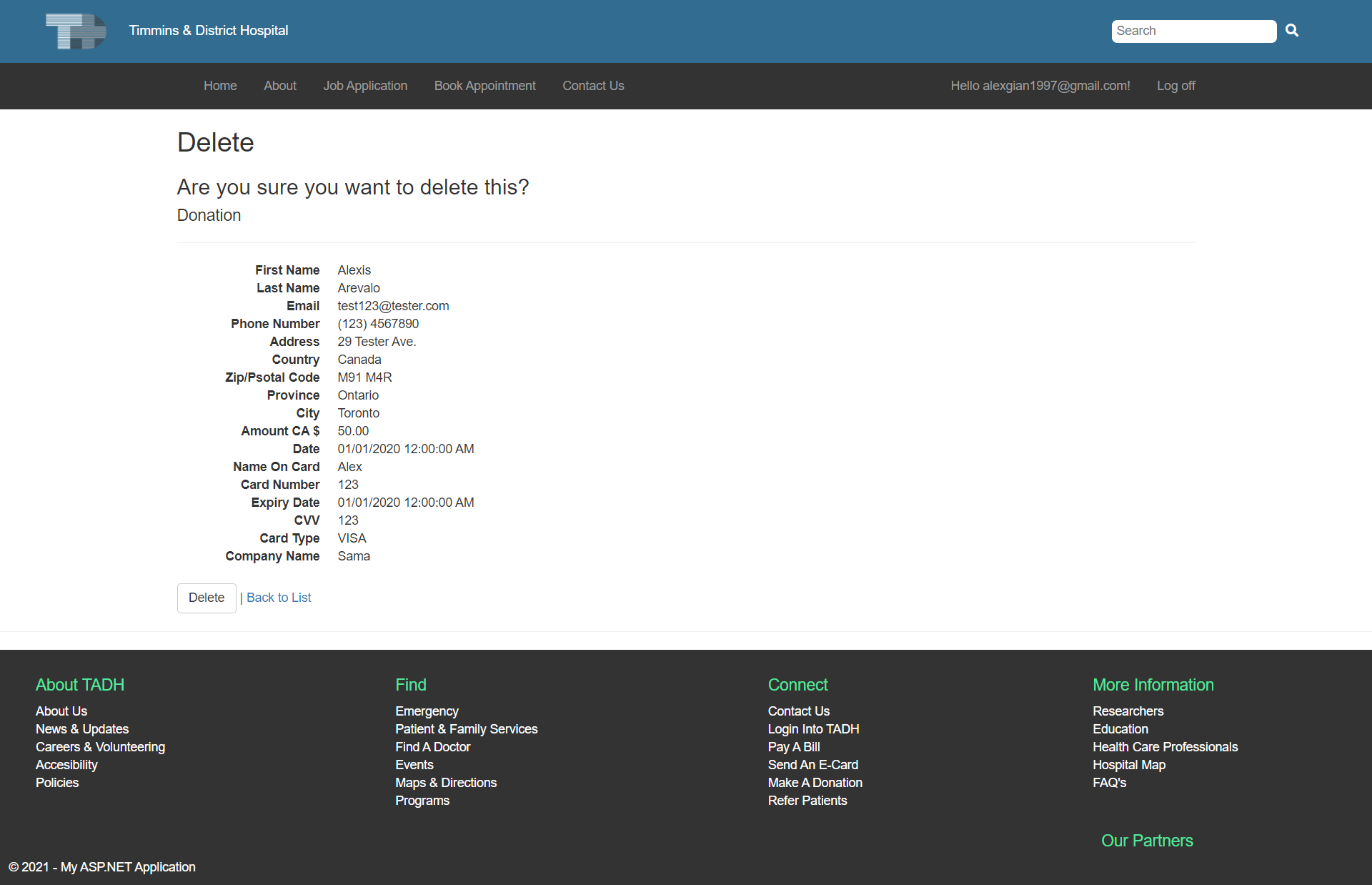
Admin (CRUD) View Donations Page